
Nextend Connect Plugin, you can create an easy and customizable way to interact with your users while signing up an account on your Website.
Each Social Media Application will be divided into 3 different plugins which allow you to insert APIs Keys, Secret Keys and IDs referring to the Social Media defined for users registration.
To find The Next Connect, go to your WordPress Dashboard > Settings and you’ll notice 3 separated sections to configure the Social Login Buttons.
Nextend FB Connect

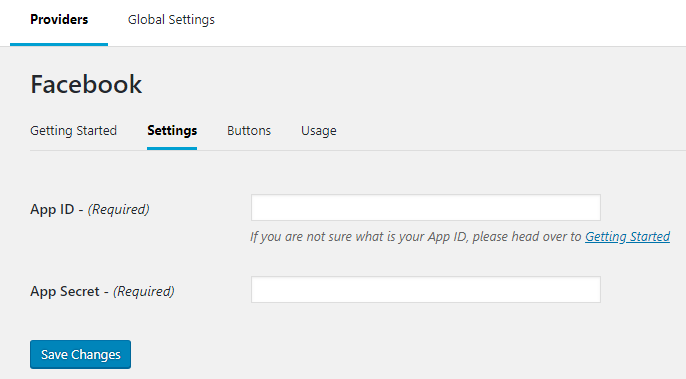
To configure and insert your Facebook App ID and App Secret, Click Here.
Nextend Google Connect
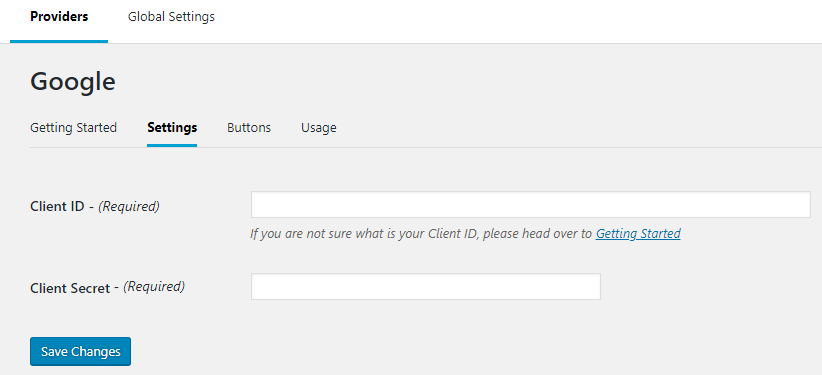

To configure and insert your Google Client ID and Client Secret, and API Key Click Here.
Nextend Twitter Connect

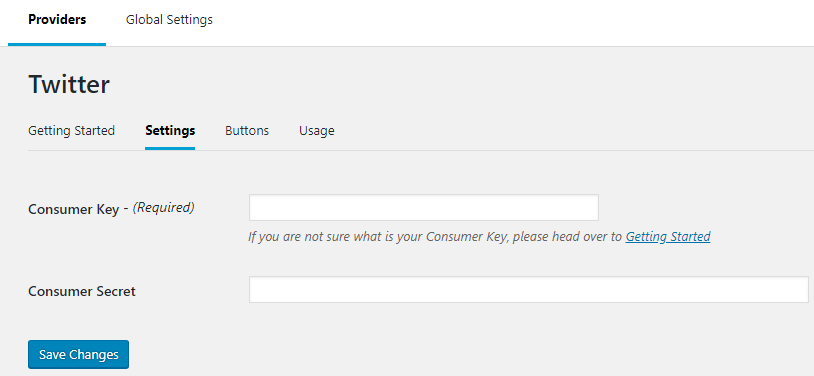
To configure and insert your Twitter Consumer Key and Twitter Consumer Secret Click Here.