
These options will depend exclusively on your business purpose and business strategy.
Also, you should remember that some options can be disabled through the Theme Options, e.g. price range, tag keywords.
To enable or disable options for pricing plans, simply go to WordPress > Dashboard > Pricing Plans

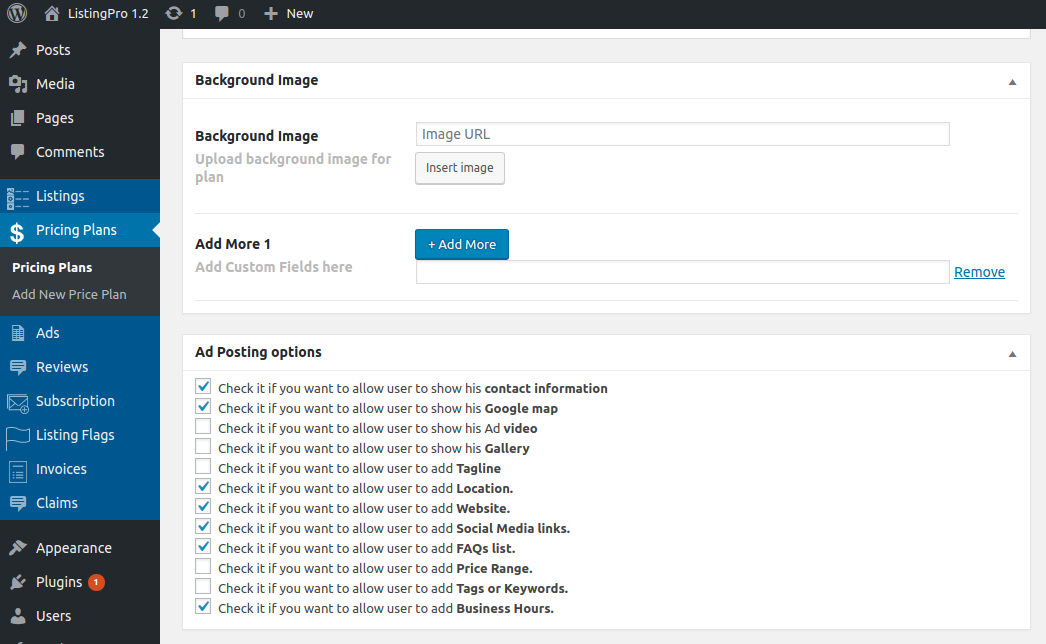
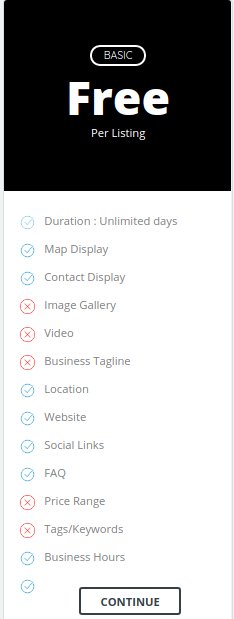
After selecting your options for each plan, the result will be shown as defined.

Also, remember that most of the options that are available in the pricing plan, you also have full control over your Theme Options by going to Listing Settings > Listing Submit & Edit and some other options in the backend.